🔍 How to Validate Your Leads from Any CRM
Stop fake leads before they enter your CRM and keep your pipeline clean.
Introduction
Tired of bad leads from tools like Apollo, Clay, or your CRM? SPAM emails, fake users, and low-quality contacts cost you time and money. Here’s how to validate leads before they hit your pipeline, using Apollo as an example.
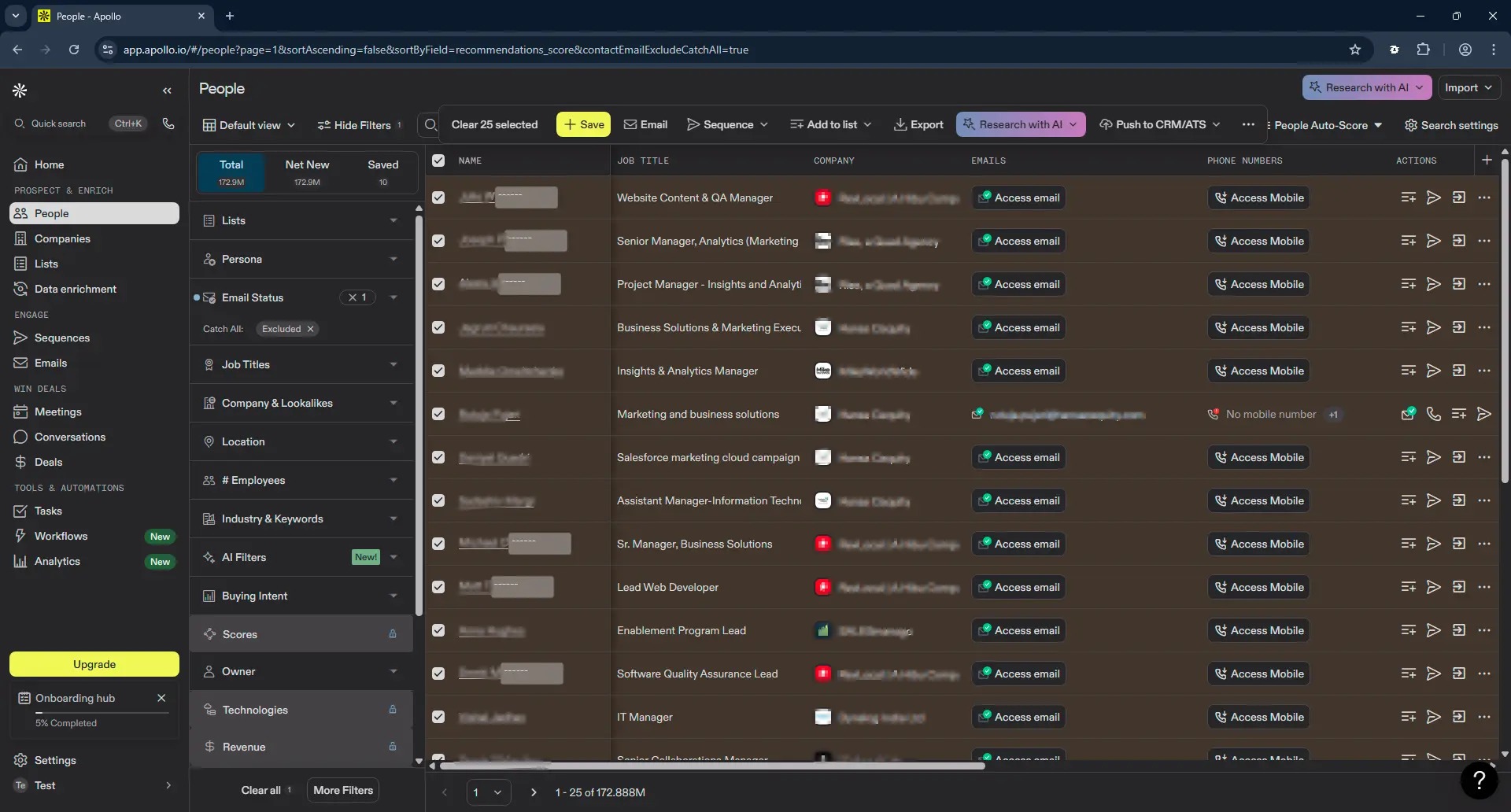
1. Select your leads from your CRM
Use Apollo or your preferred CRM to choose the contacts you want to validate.
To do this, select the list of leads you want to verify.
2. Export the leads
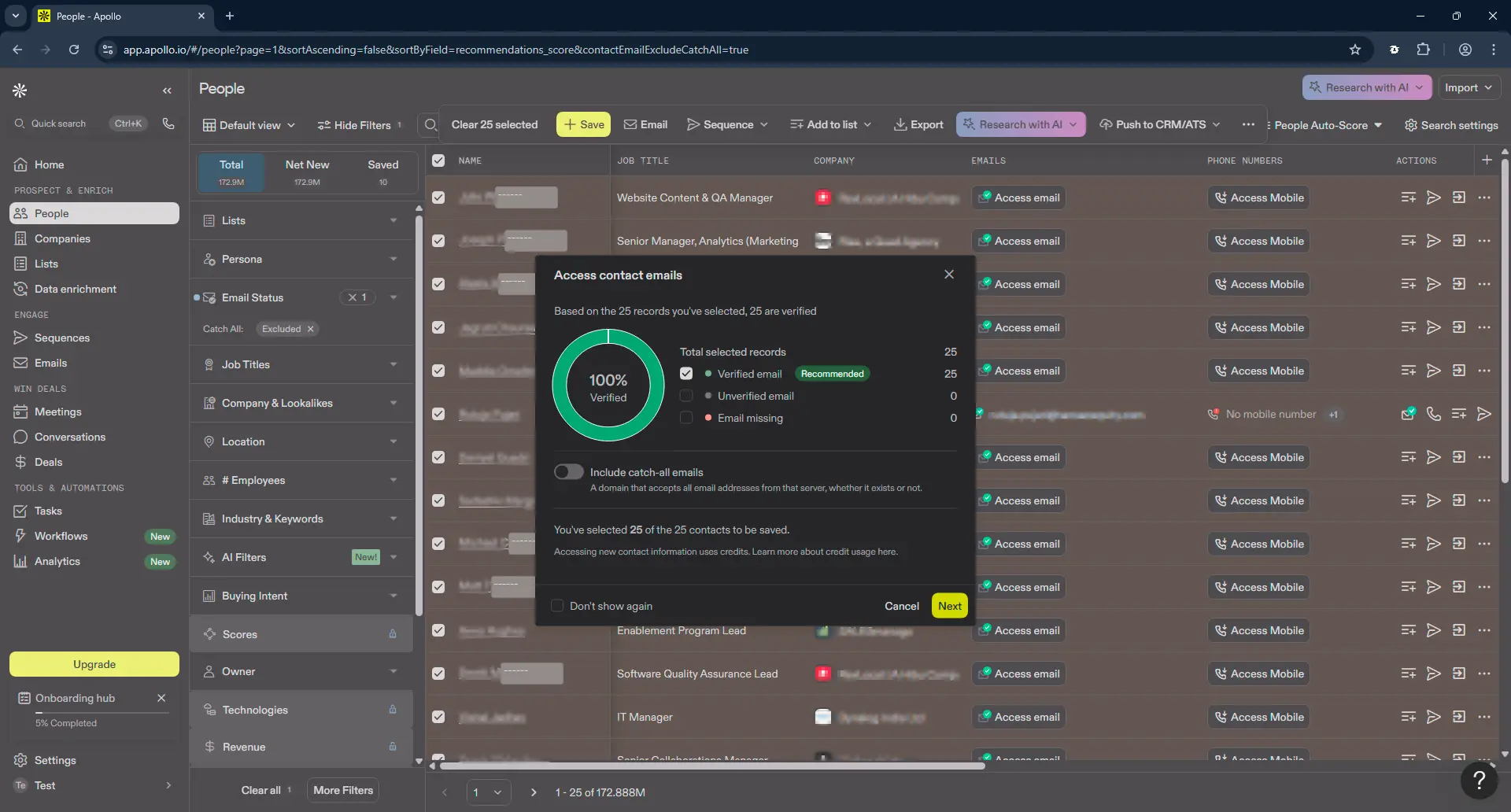
Next, look for a button that says "Export" and click on it.
In this case, Apollo asks us if we want to include leads with unverified emails, we will leave it as default and click "Next", if you wish you can check "Don't show again".
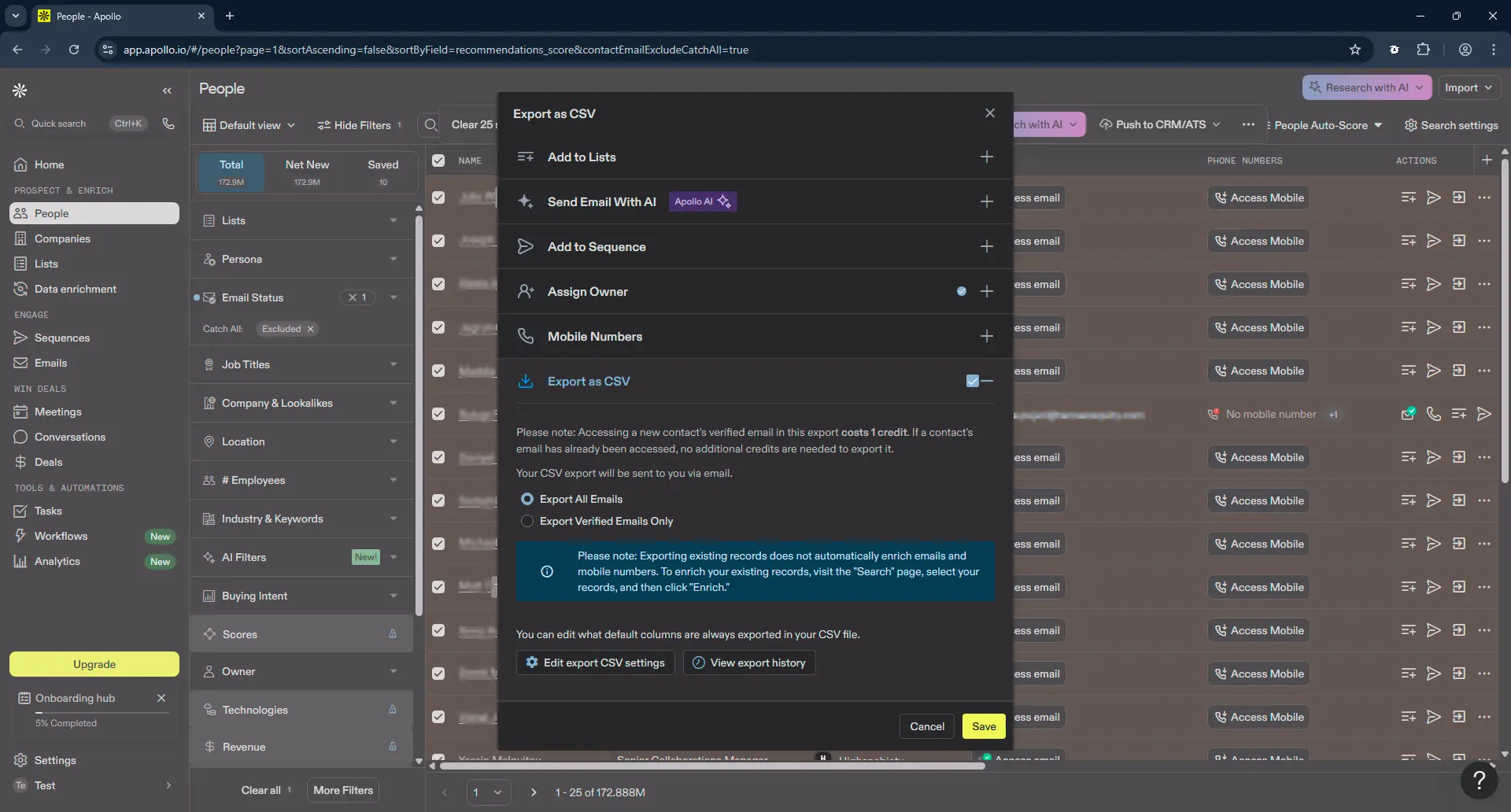
Download the selected leads as a CSV file.
Now, in CSV format, click on download.
Apollo sends the CSV by email, but if you can't find it, you can search for it here.
3. Upload your leads to a validation tool
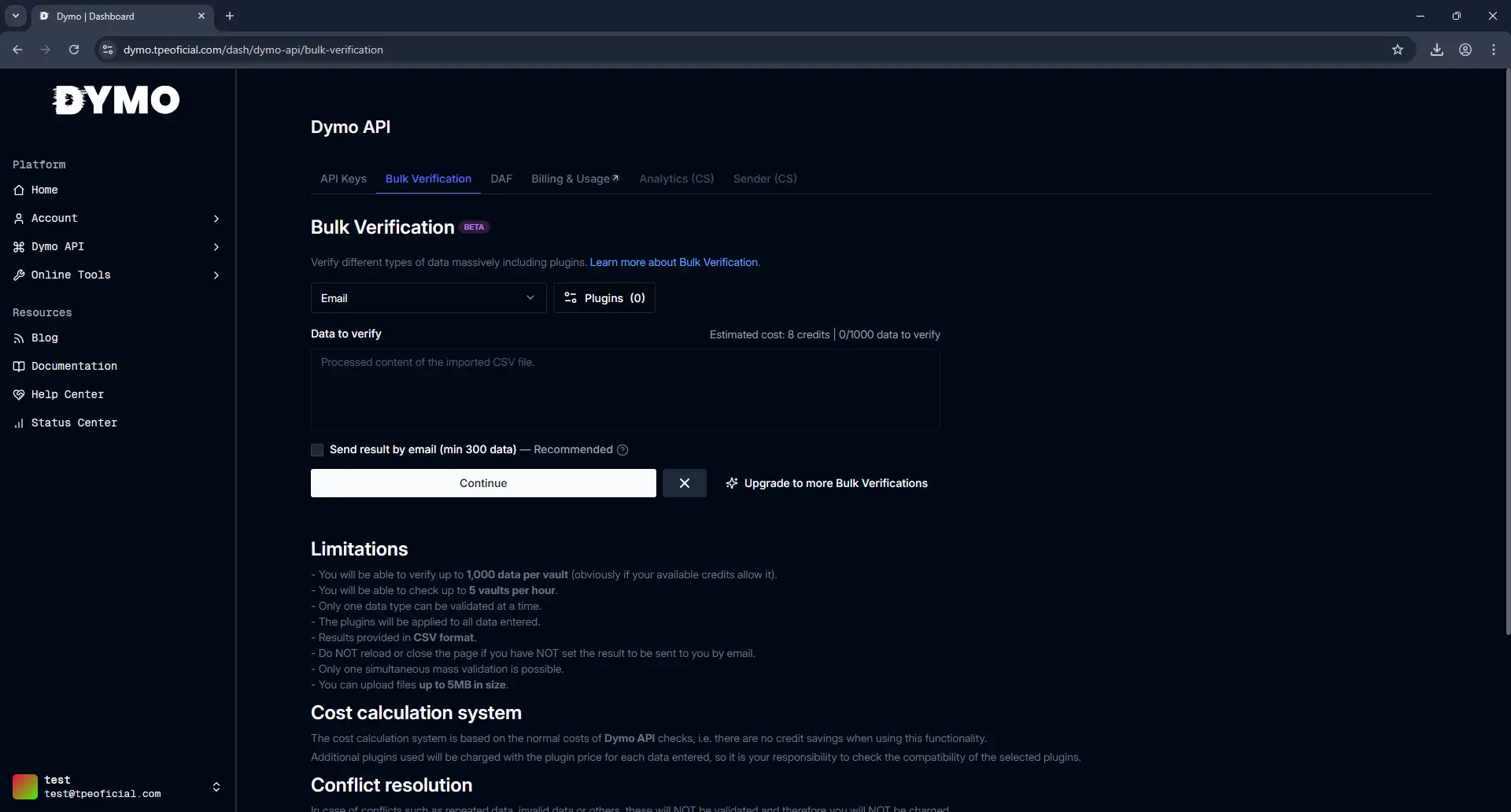
Now we will use the Bulk Verification functionality of the Dymo API available here to validate all emails.
4. Choose output format
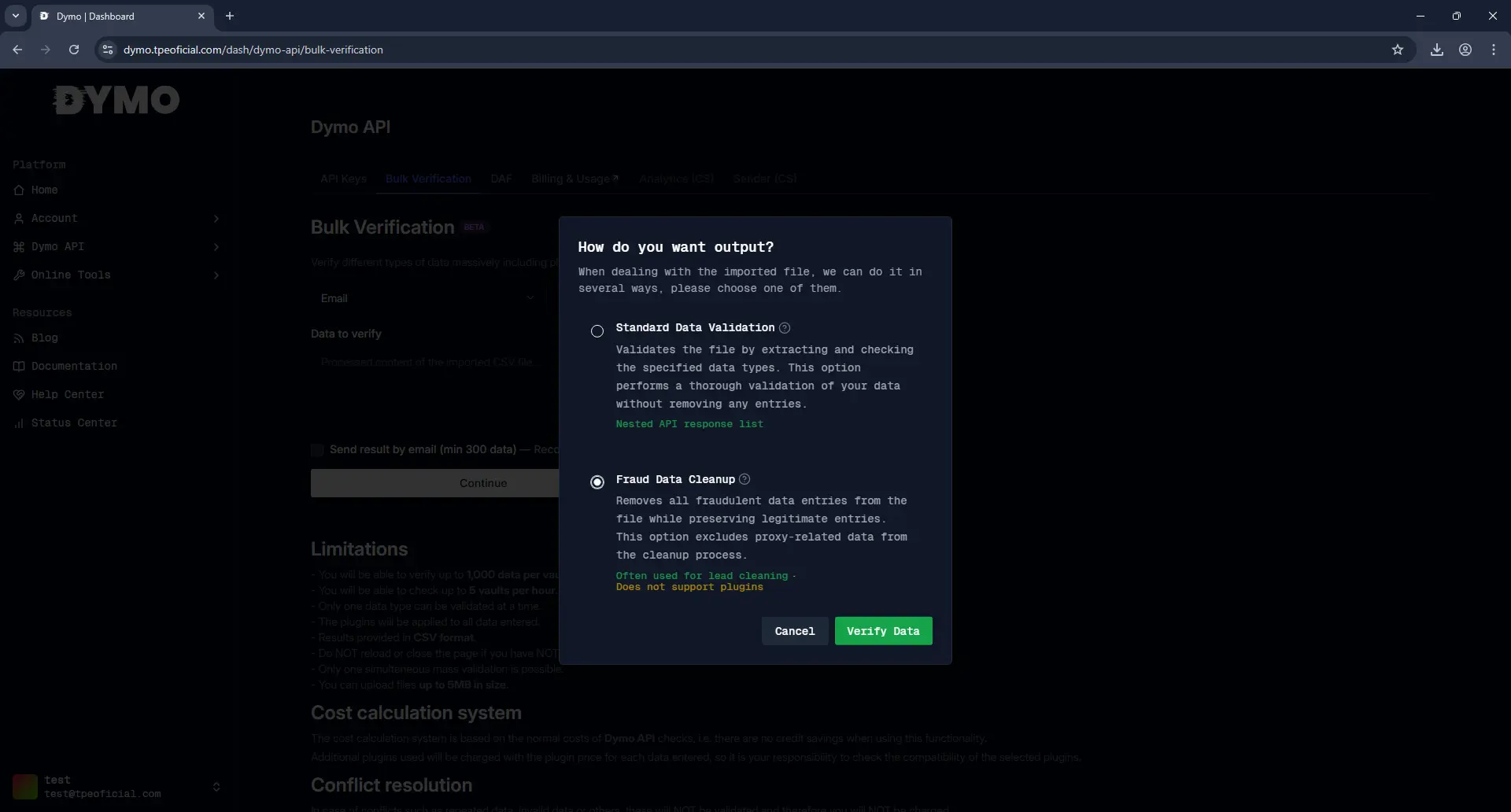
We will choose the Fraud Data Cleanup option because this is the option that will allow us to import the leads back into our CRM.
Then click on "Verify Data" and wait.
5. Download the clean lead list
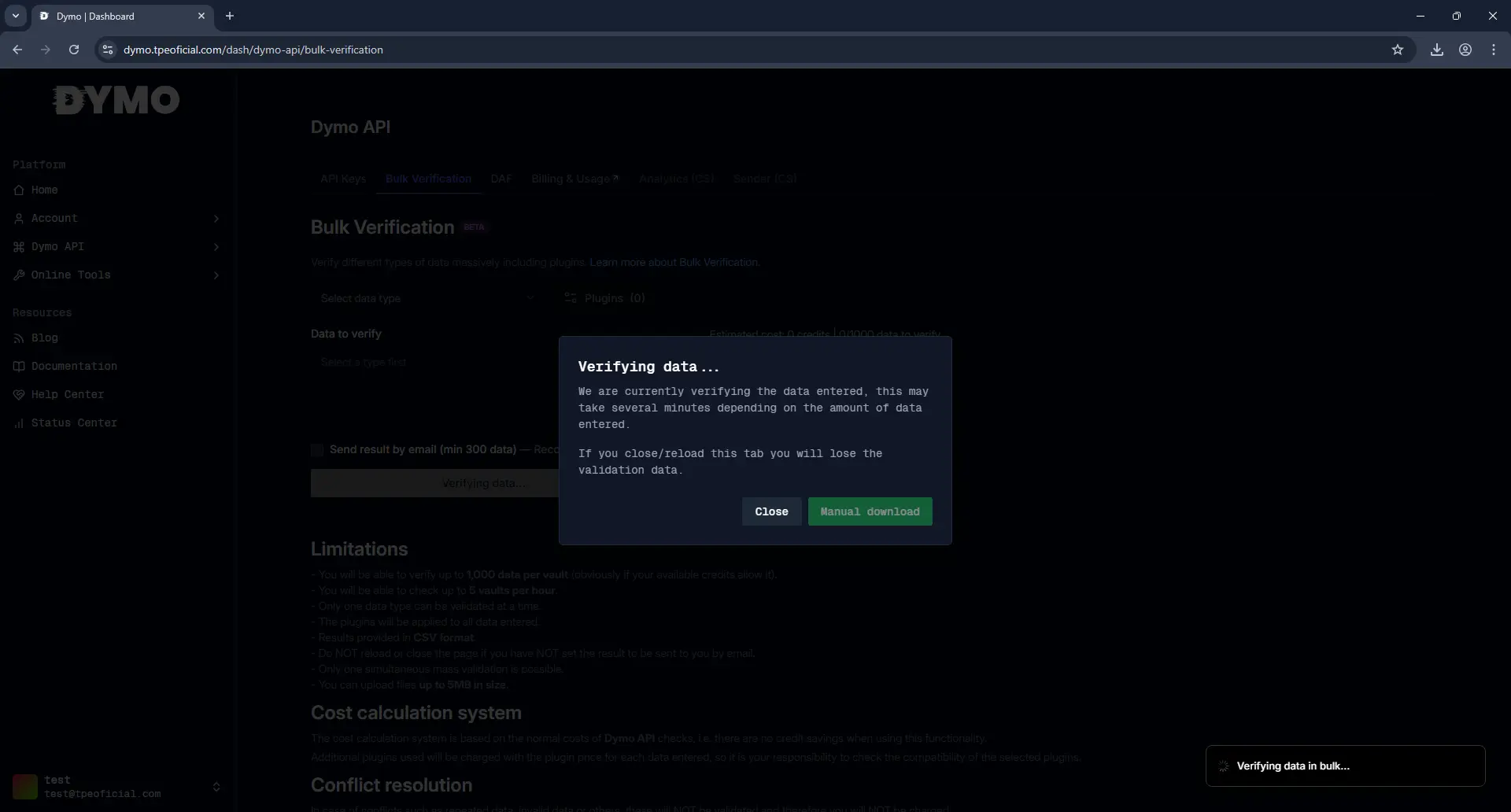
Now we download the file in CSV format and we have it clean to import it into our CRM.
6. Import the clean lead list
Now, you can import the file back into your CRM of choice with all the leads cleaned.
Check your leads now!
Make sure your marketing campaigns work and your conversion rate is higher.